01
Get your licence key
Send the contact form and ask for an offer. You get the program and a key for your edition.
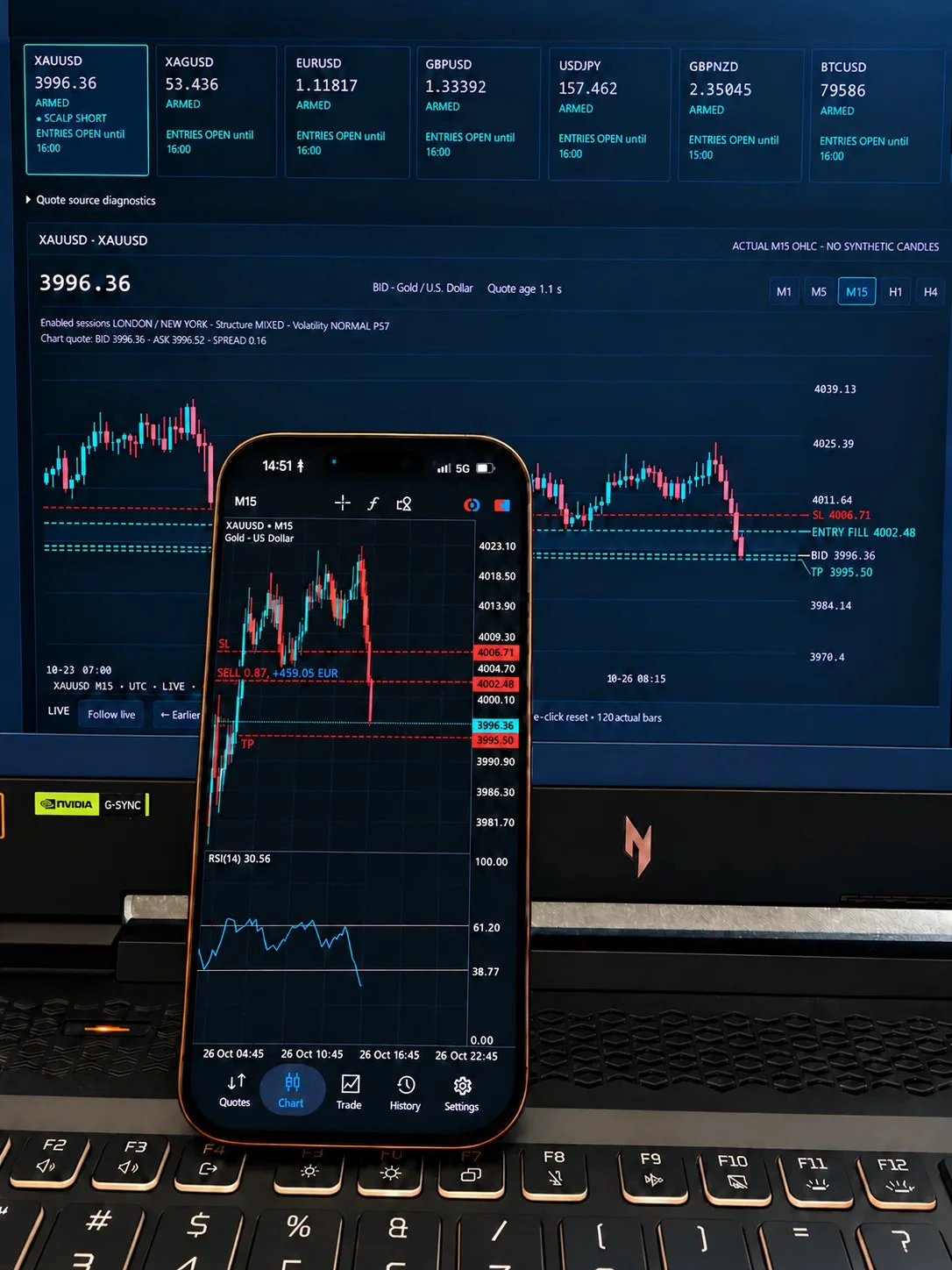
A desktop program that executes METRAVUE trade plans on your own MT5 account: gold, forex, bitcoin and stock indices. Your account, your broker, your stop at the broker.
How it works
01
Send the contact form and ask for an offer. You get the program and a key for your edition.
02
Log in to your account and turn on Algo Trading. You do not need to open any charts.
03
Paste the key, confirm your account and press Start. The program does the rest and shows every trade on its panel.
Built-in protection
The program does not just copy an order. Before each entry it checks your account and the market, and it skips the trade when a check fails.
A plan that arrives late is skipped. The program does not chase a price that has already moved away.
Each position is sized from your own account. If even the smallest lot would risk too much, the trade is skipped.
When too much risk is already open on the account, new entries wait.
After a larger drawdown the program halves the risk. After a deeper one it stops new entries.
Every plan is executed once. A restart or a lost connection does not send the same order twice.
The program trades only the MT5 account your licence is for, and only while Algo Trading is on.
The offer
Same rules, same trade plans. The difference is how many MT5 accounts one program runs. Prices are on request: send the contact form and you get an offer.
One MT5 account, one panel. For a trader with one account.
Price on request
Write to us and you get an offer for your setup.
Several MT5 accounts in one program, each with its own panel and its own risk switch. The number of accounts is part of the offer.
Price on request
Write to us and you get an offer for your setup.
Straight answers
Not a promise of profit. There are losing trades and red days, and you can lose money.
In your own MT5 account at your broker. The program places and manages trades there. It cannot withdraw or move money.
No. The rules stay private. The program receives the plan: instrument, direction, entry, stop and target.
Yes. One button stops new entries, another stops the program. Your positions stay in MT5 with their stop and target.
No new trades. Open positions keep their stop and target at the broker, but nobody manages them until you start the program again.
Windows 10 or 11, MetaTrader 5 and an account at a broker that offers the markets: XAUUSD, USDJPY, GBPUSD, EURGBP, AUDJPY, BTCUSD, GER40 and NAS100. Write to us with the name of your broker and we check it before you start.